
How to Access Your Account
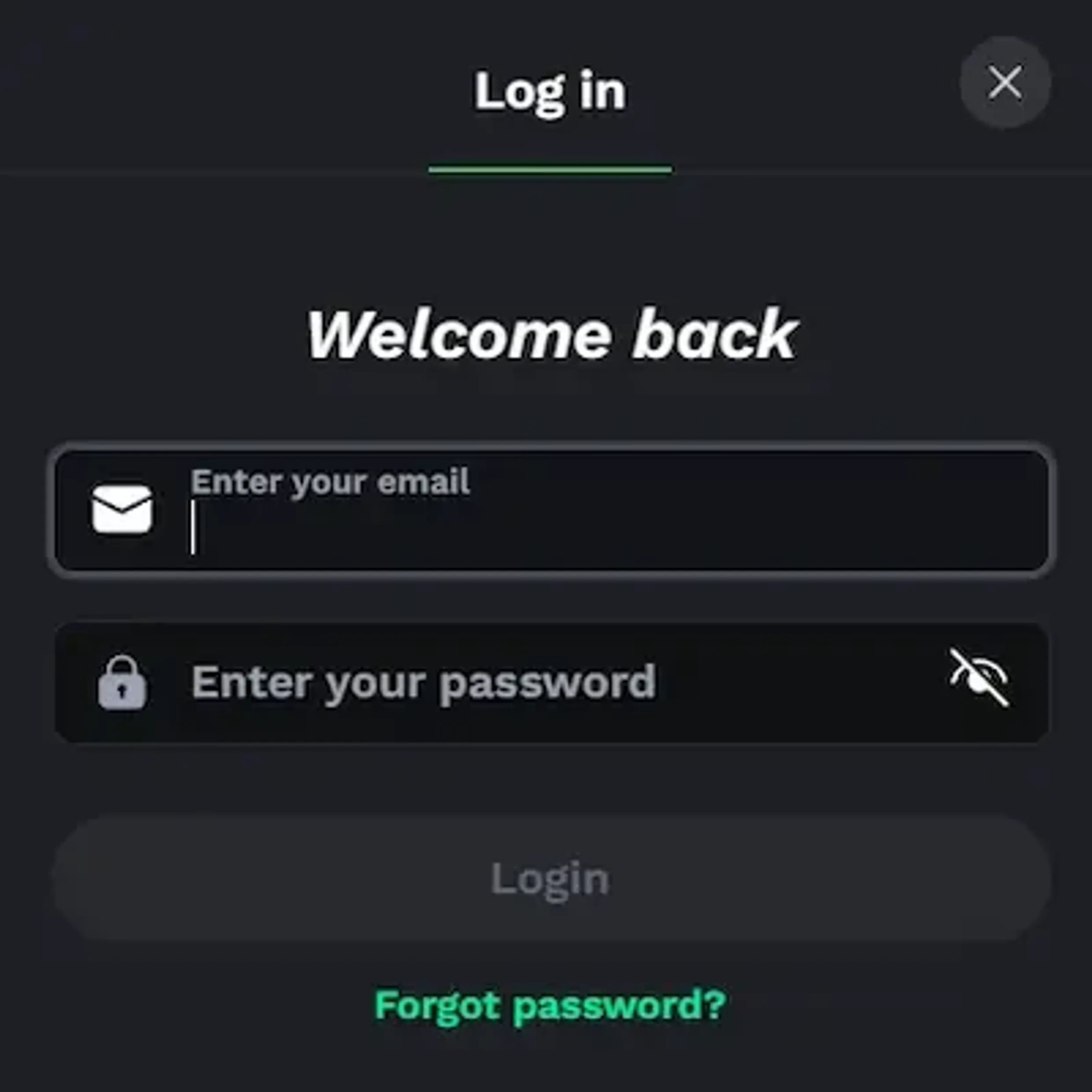
Our web login works on modern devices without requiring any extra downloads. Open a browser on Windows, Android, or iOS, go to our website and use the login button in the top right corner. Type in your username or email, add your password, confirm, and you should reach your account in a few seconds if everything is running normally.
We protect each session with SSL encryption to keep your data private. There is also a “remember me” style option for trusted devices, where encrypted credentials are stored locally. Use this only on your own phone or laptop, never on computers that other people might use.
If something goes wrong at login, an error message appears on the screen. Most of the time it is a mistyped password or an issue with the account status. Re-enter your details slowly and check for caps lock or extra spaces before trying again.
Password Recovery Process
When you forget your password, use the recovery link under the login fields. There we ask for the email address you registered with. Send the form and check your inbox - in some email services the reset message can slide into spam or promotions, so look there as well.
The reset link works for a limited time period. Open it in your browser, think up a new password that matches our rules (minimum length, plus letters and numbers), type it twice to confirm and submit the change. After that you sign in using your updated credentials.
If you still do not receive anything after around 15 minutes, contact our support team through live chat. They will confirm your identity using security questions or basic account details, then move you through another recovery option. In practice it is quicker than waiting and resending the form.
Two-Factor Authentication Setup
For extra protection we offer optional two-factor authentication. Once you switch it on, every login needs both your regular password and a short, time-based code from an authenticator app on your phone.
First sign in and open the security section inside your profile settings. Find the two-factor authentication block and click activate. We show a QR code on the screen that you scan with an authenticator app. The app immediately starts generating six-digit codes that refresh every 30 seconds.
Take the active code from the app and enter it in the verification field to finish the setup. We also provide backup recovery codes - keep those in a separate safe place, not on the same device. Even if someone finds out your password, they cannot open your account without that second factor.
Managing Sessions Across Devices
You can stay logged in on several devices at once - desktop at home, a tablet, or your phone. In the security section we list your active sessions with device type, browser, IP address and time of login so you have a clear picture of where your account is open.
From there you can close any single session with the logout option next to it. There is also a “logout all devices” button for moments when you suspect unwanted access or simply want to reset everything. It helps if you used a friend’s computer and walked away without signing out.
Inactive sessions are logged out automatically after a certain period, from about half an hour up to a few hours depending on your settings. Even so, hitting logout manually after playing is a good habit, particularly on shared or public devices.
Account Verification for Withdrawals
For new players, identity verification is required before we can process withdrawals. After your first login, open the verification area in your profile. Upload a clear image of a government-issued ID - passport, driver’s license or national ID card. All corners must be visible and the text must be easy to read.
Next, add a proof of address, for example a utility bill, bank statement or government letter no older than 90 days. The printed address needs to match the one you entered in your profile details.
Our verification team usually checks documents within 24 to 48 hours. You will see the current status right in your dashboard, including approval or a note asking for better images or extra documents. Once approved, your account gets full withdrawal access and higher transaction limits.
| Document Type | Accepted Formats | Requirements |
|---|---|---|
| Government ID | Passport, Driver’s License, National ID | Current, not expired |
| Proof of Address | Utility Bill, Bank Statement | Issued within 90 days |
| Payment Method | Card Photo, E-wallet Screenshot | Name matches account |